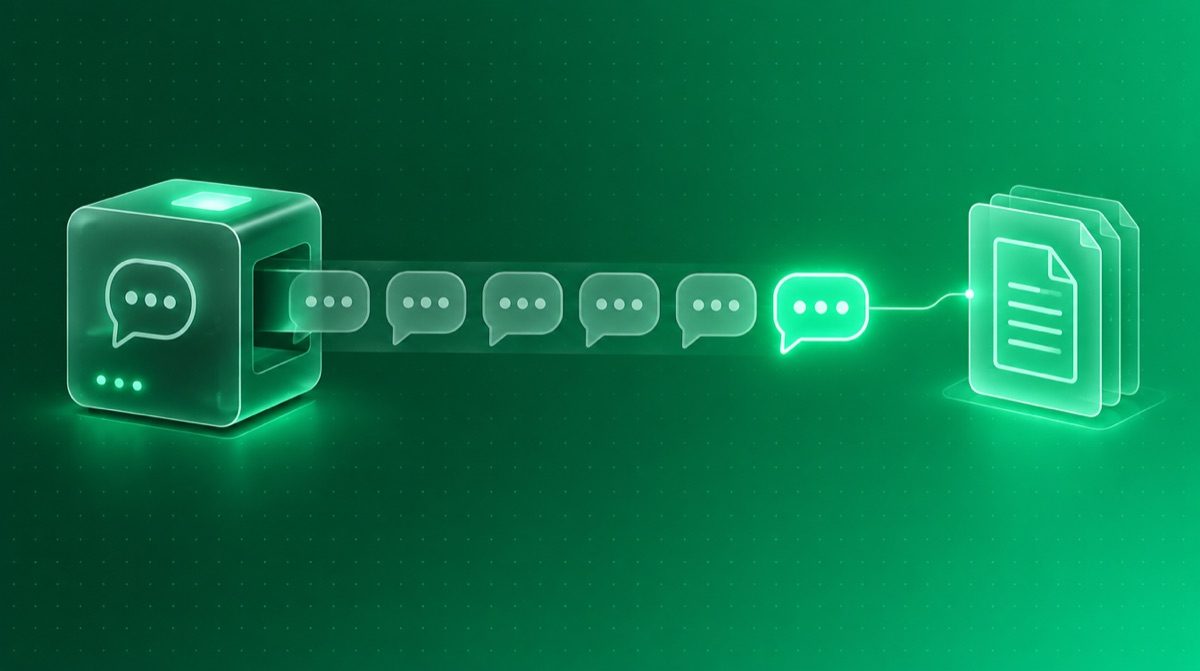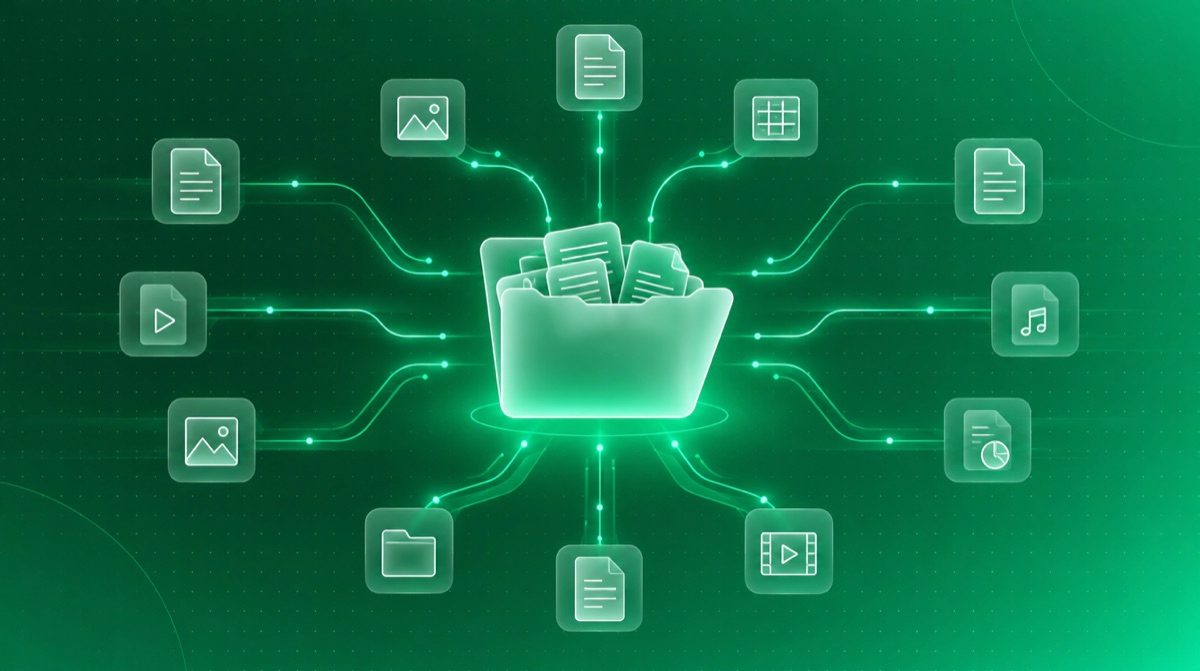
An AI assistant that cannot touch anything is a text box. To be useful inside a company it has to look into the CRM, open a file on the drive, read a Slack channel. Until recently each of those links was an integration written separately, for one assistant and one application.
What a standard changes
The industry has hit this problem several times before and solved it the same way each time: someone defines a common shape of connection and everyone adopts it. MCP does that for the link between models and applications. The application exposes a server, the assistant is the client, and the shape of the request is identical whoever sits at either end.
You
You ask for something in plain language
The AI assistant
The MCP client: it translates the request
The MCP server
Exposes what the application is allowed to do
The application
CRM, drive, Slack — it does the work
The result returns along the same path, back to you
Why it matters to a company, not just to developers
- An integration written once works with several assistants, not only with today's one.
- Switching AI provider no longer means rewriting every connection.
- Permissions are declared in the server: you can state explicitly what is and is not allowed.
- Being an open standard, it does not hinge on one vendor's commercial plans.
You do not need to know how it works. You need to know to ask your vendor whether their app speaks MCP.
Terms used here
- MCP
- Model Context Protocol: an open standard through which AI assistants request data and actions from applications.
- MCP server
- The piece that sits next to the application and declares what can be asked for and what is off limits.
- MCP client
- The assistant that makes the request. It has no direct access to the application, only to what the server exposes.
Where to start
- 1List the five applications you work in every day.
- 2Ask each vendor whether they have an MCP server, or have one planned.
- 3Start with one, read-only, and see which answers you can get without opening the application.